Simple tools for everyday text

Free Online Text Converter

Clean up text, switch between uppercase and lowercase, and remove unwanted formatting, extra spaces or line breaks. Paste your text and make it ready to use in seconds.

Free to Use • Instant Results • No Sign Up Required

1. Paste text  →  2. Choose a conversion  →  3. Copy or save

Input Text

Words: 0 Chars: 0 Lines: 0

Output Text

Words: 0 Chars: 0 Lines: 0
Conversion options

Fine-tune your text. Select the cleanups you need.

No cleanup options selected

Quick conversions

Apply a quick action to your result.

Your text is processed in this browser. No account needed.

Why Choose The Text Converter?

Completely Free

Access all our text conversion tools without paying a dime.

Instant Text Conversion

Results appear immediately as you click or type. Fast and efficient.

Easy to Use

A clean, intuitive interface designed for everyone.

Privacy-Focused

All processing happens securely in your browser. We don't store your text.

Mobile Friendly

Use our tools on the go with our fully responsive mobile design.

No Registration Required

No sign-ups, no logins. Just open the site and start converting.

How It Works

Transform your text in three simple steps.

1

Paste or Type

Input your original text into the converter box.

2

Choose Tool

Select the desired conversion or formatting option.

3

Copy Result

Instantly copy or download your formatted text.

Convert Text Online: Plain Text, Capital Letters and Paragraphs

This simple text converter helps you prepare copied content for documents, forms and code. Paste your text, choose a conversion, then copy the result or save a plain text file with a .txt extension. Use these guides to choose the right tool for your text conversion.

Plain Text Converter and Formatting Remover

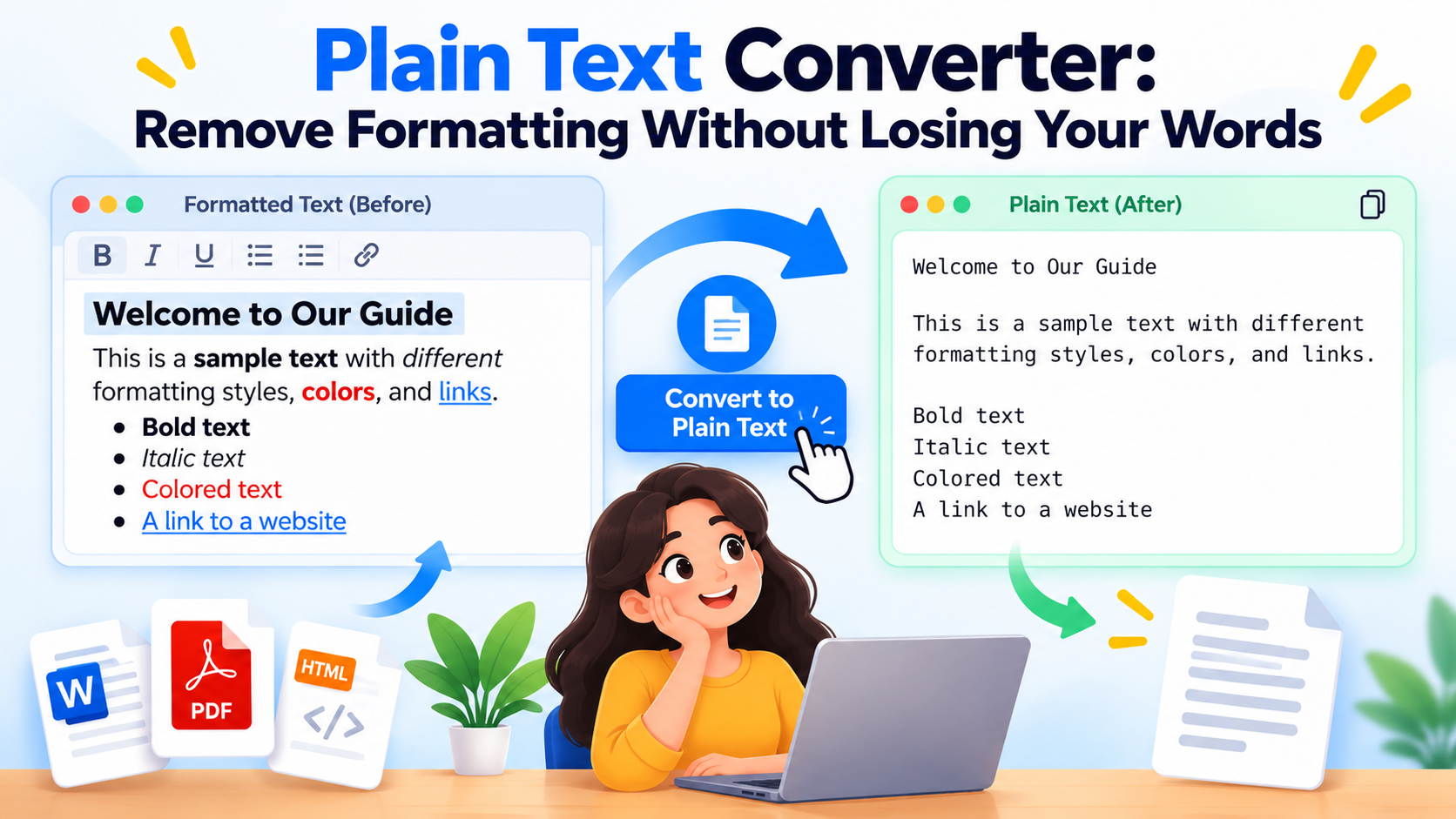
Plain text contains characters without rich text styles such as bold, italics or font colors. To convert to plain text, paste formatted content into the Plain Text Converter. Choose whether to remove HTML, extra spaces or empty lines, then copy the cleaned result.

For a focused format remover, use Remove Text Formatting to strip formatting from copied text. Making plain text removes styling; it does not rewrite your words.

Uppercase to Lowercase and Capital Letter Conversion

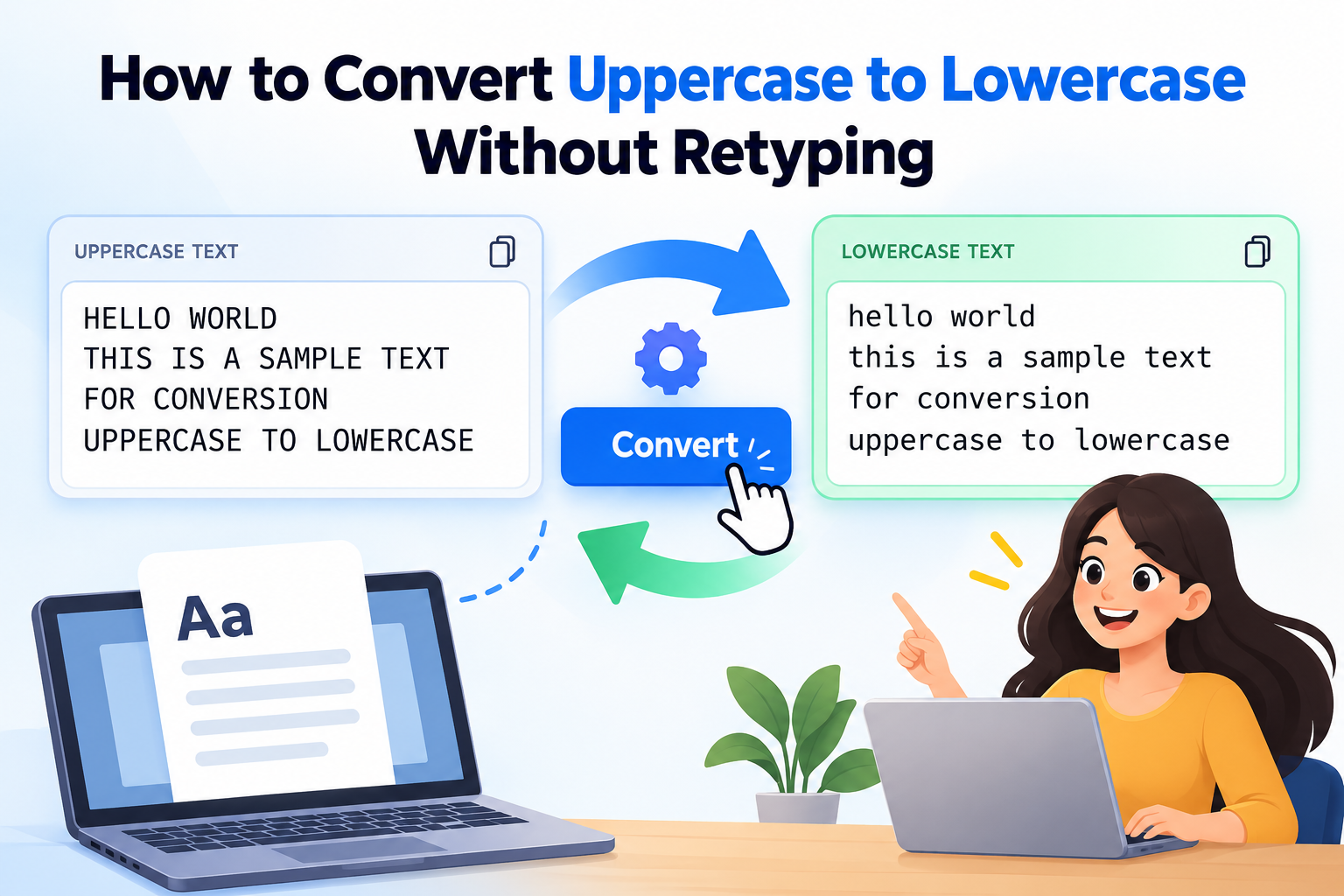
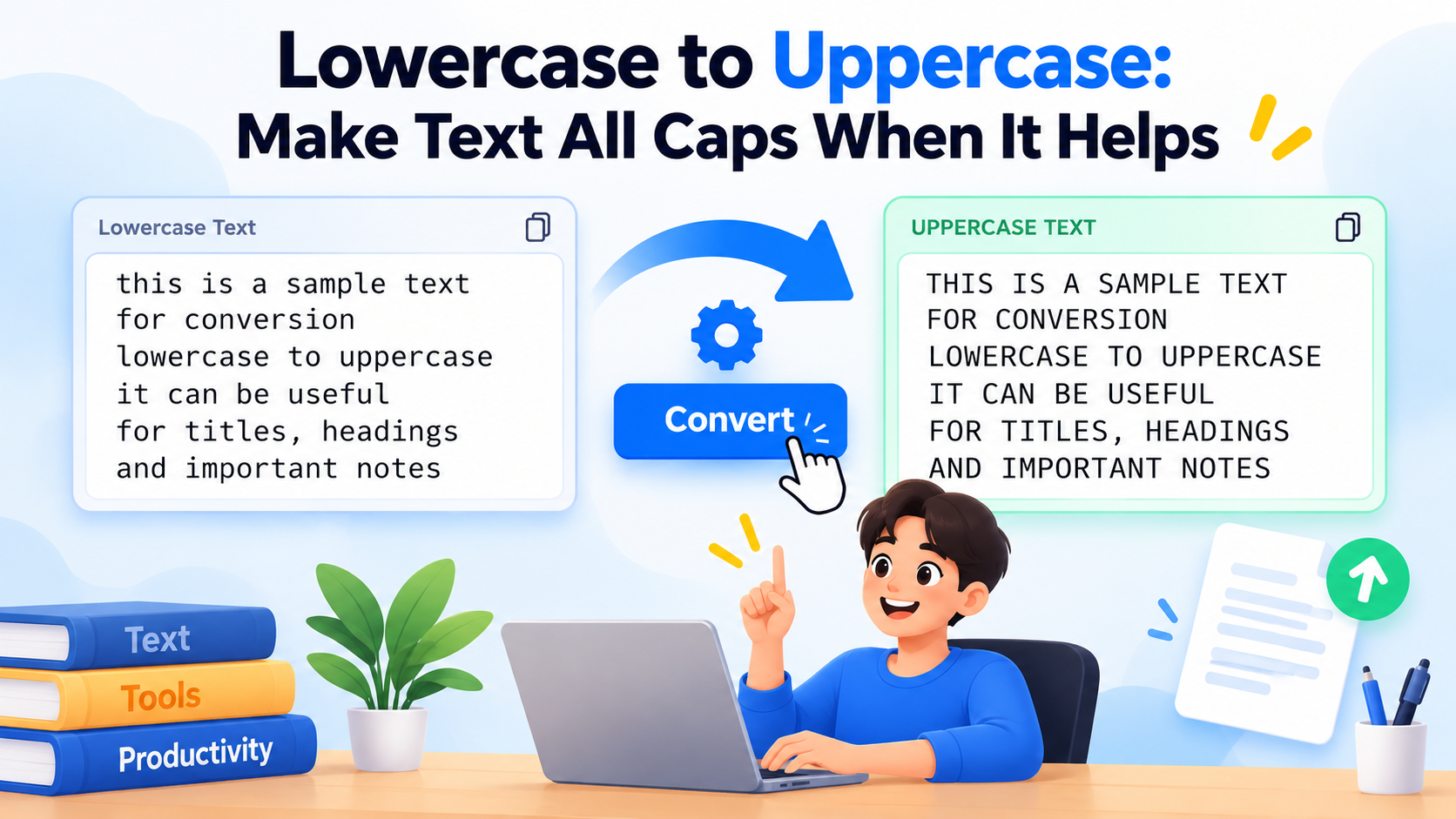
Use the quick conversions above as an uppercase generator or lowercase text generator. Select Uppercase to convert text to caps, or select Lowercase to change capital letters to small letters. For example, “Hello World” becomes “HELLO WORLD” or “hello world”.

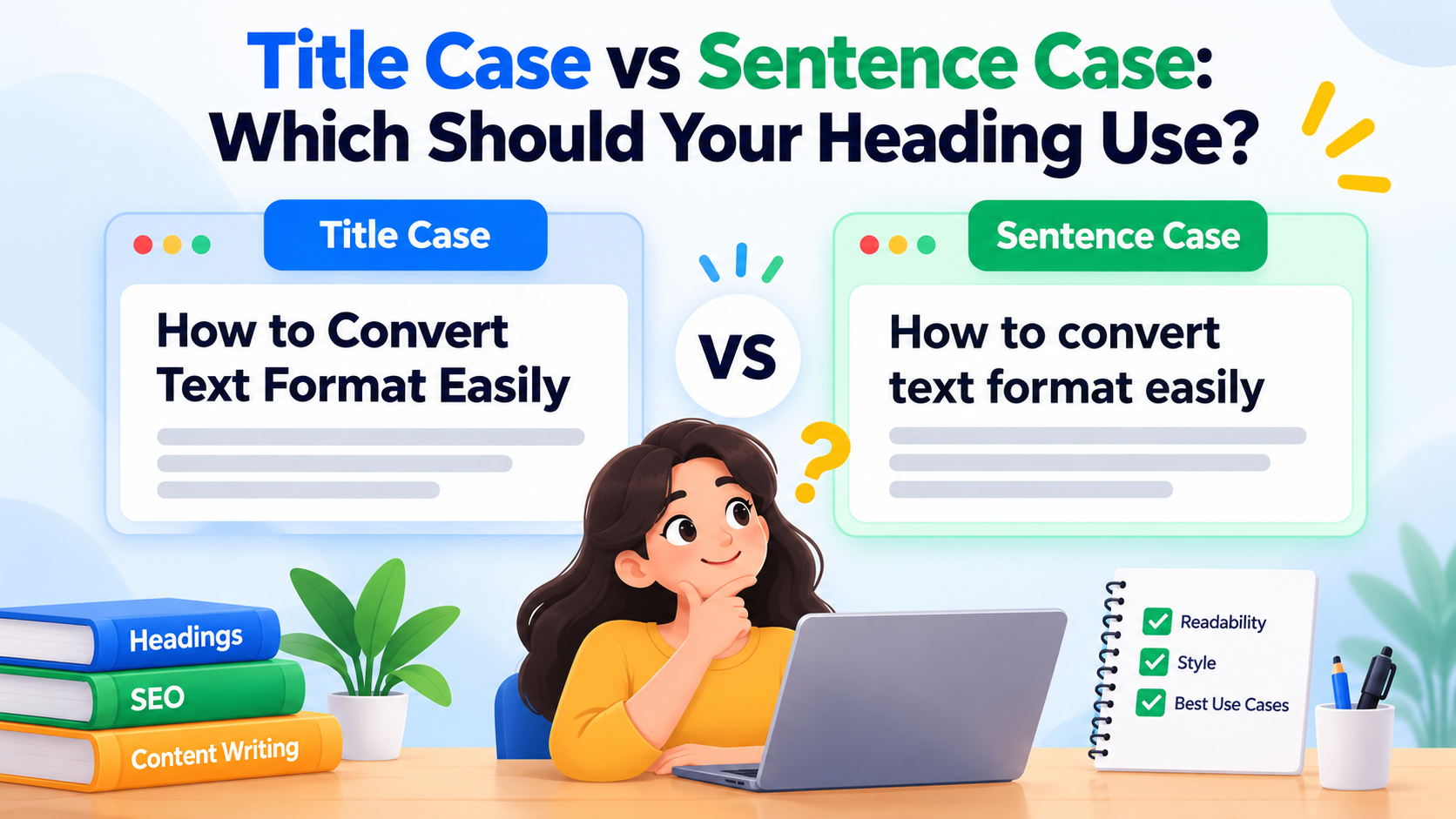
The Title Case Converter capitalizes words for headings while keeping selected short words lowercase. Sentence case starts sentences with a capital letter.

Paragraph to Single Line and Lines to Paragraph Converter

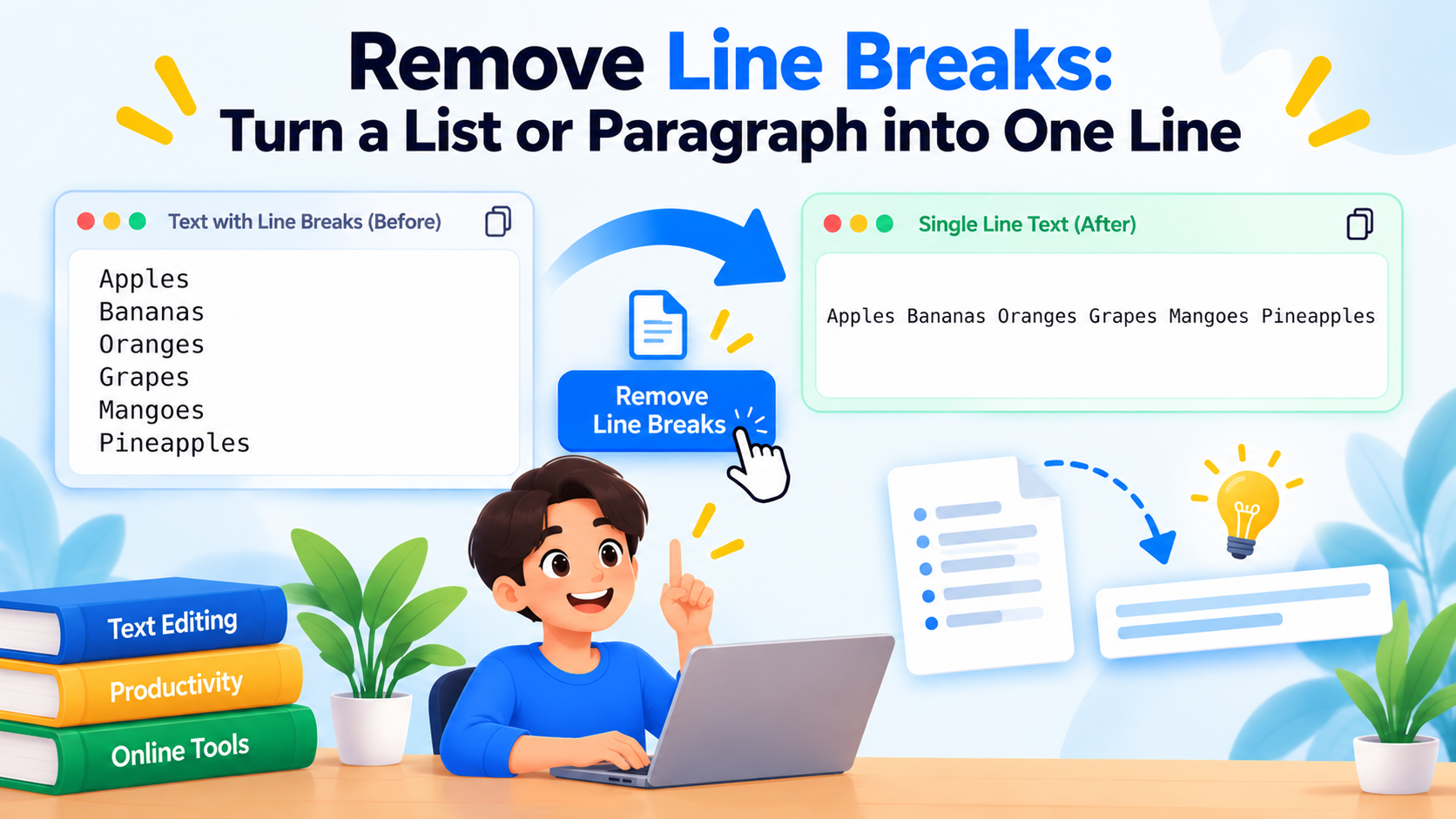
To turn text into one line, use the Line Break Remover. It replaces each line break with a space, joining a list or several lines into continuous paragraph text. For example, two lines containing “First line” and “Second line” become “First line Second line”.

This paragraph to line converter preserves your wording. To remove blank lines online while keeping the remaining lines separate, use the Remove Empty Lines option in the plain text converter.

Remove All Spaces or Clean Extra Spaces

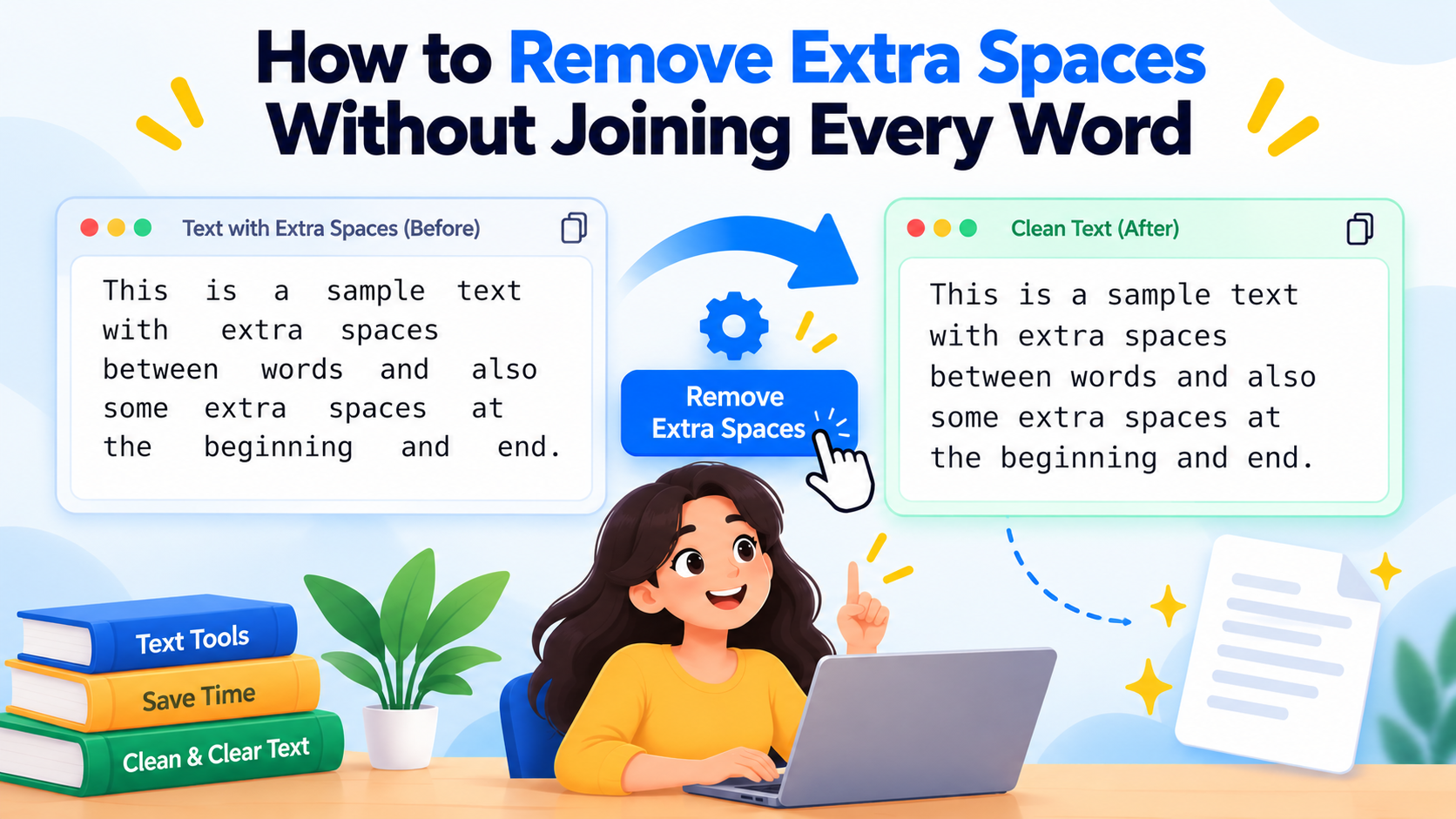
Use Remove Extra Spaces to reduce repeated spaces and tabs and trim the ends of your text. It keeps words separated, making copied text easier to read.

Choose Remove All Spaces when you need to join words together. It removes whitespace, including tabs and line breaks: “text converter” becomes “textconverter”.
Frequently Asked Questions

About The Text Converter

Less time fixing text. More time getting your work done.

A paragraph copied from a PDF arrives with a line break after every few words. A heading is stuck in ALL CAPS. A short email has picked up three different fonts. Small formatting problems like these can turn a simple copy-and-paste into a chore.

The Text Converter brings free online text tools together in one place so you can sort out those details and move on. Paste your text, choose the change you need, check the result, and copy it back into your work.

A simpler way to clean up text

You should not have to retype a paragraph just to change its capitalization or delete every unwanted space by hand. Our tools handle those repetitive edits, whether you are tidying a few words or working through a longer draft.

  • Change letter case: Switch between uppercase, lowercase and sentence case, or use the title case converter as a starting point for consistent headings.
  • Remove formatting: Use the plain text converter to prepare copied text for a fresh document, note or form.
  • Tidy spaces and line breaks: Remove extra spaces between words or remove line breaks when a paragraph has been split across short lines.
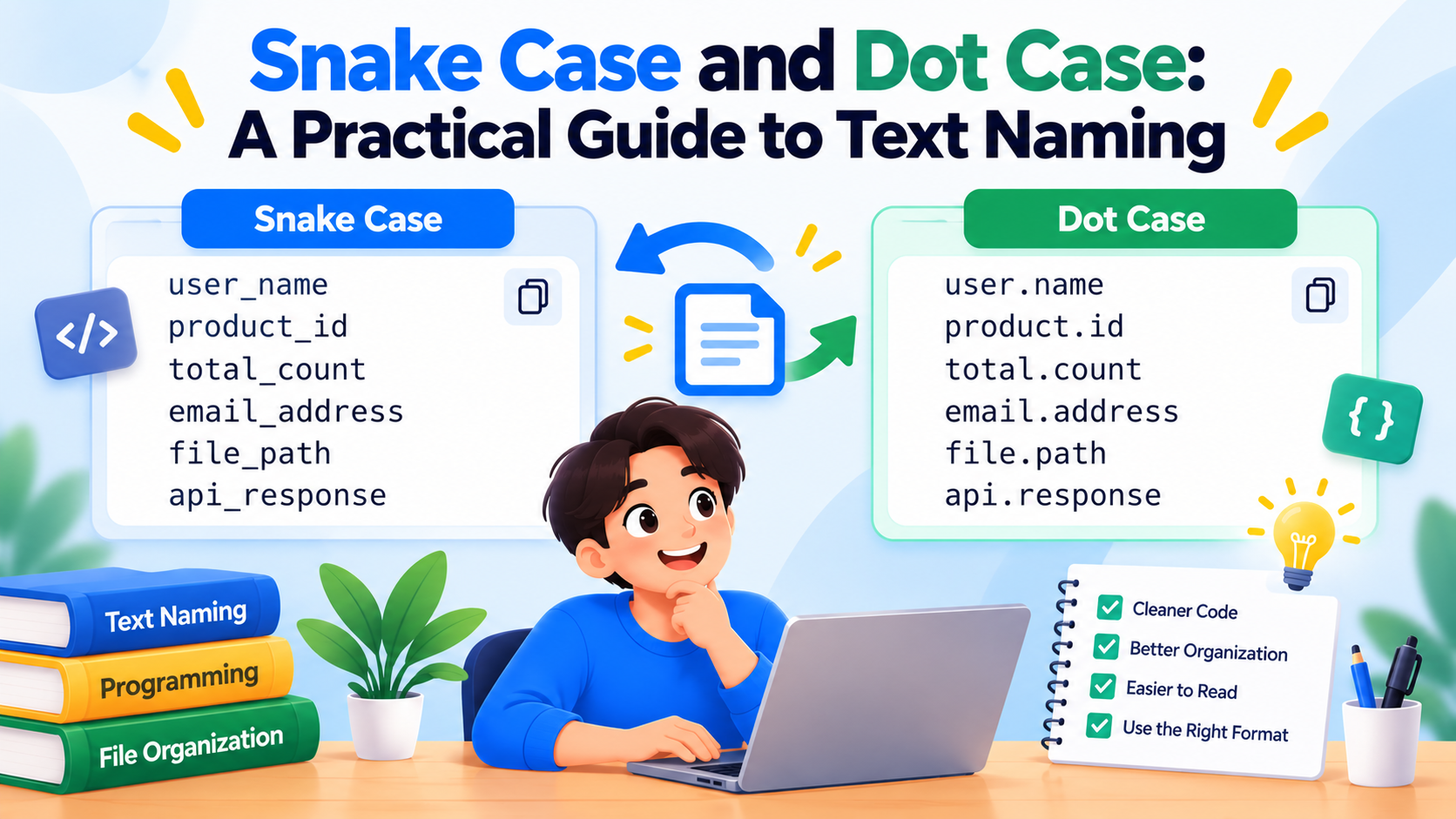
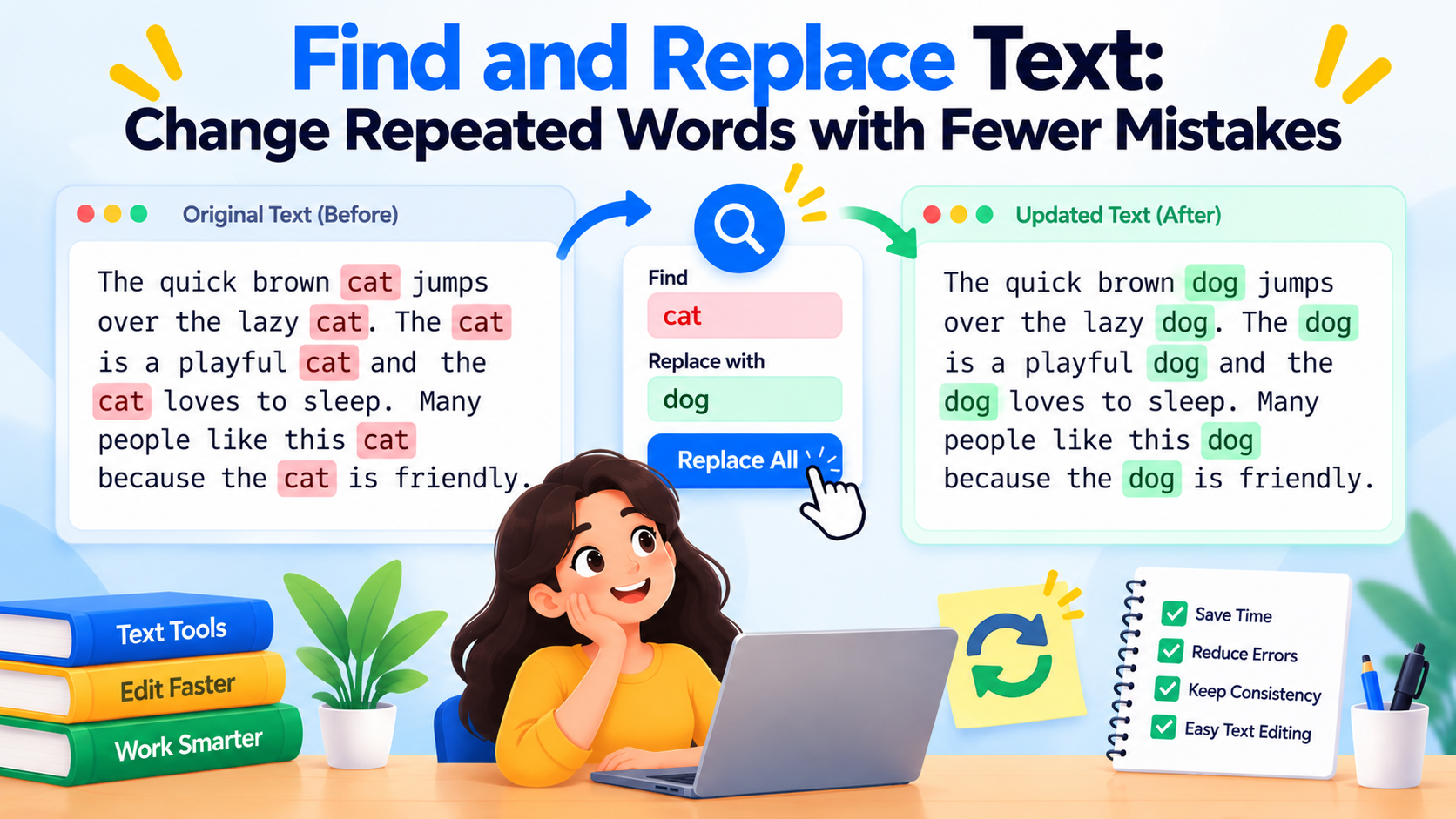
  • Make repeated edits: Find and replace wording, or turn a phrase into snake_case or dot.case for a naming convention you already use.

Made for everyday writing and editing

You might be a student preparing notes, an editor checking headings, a developer naming a field, or someone tidying an email before sending it. The task may be different, but the aim is the same: get usable text without spending time on repetitive fixes.

The tools work in your browser on desktop and mobile, with no account needed. You can copy the result or save it as a text file when you want to keep it for later.

Your text is processed in your browser

Text conversion happens on your device. The text you enter in the converter tools is not uploaded to our servers for processing, and you do not need to submit a document or create an account to use them.

You make the final call

A case converter can change letters, but it cannot know how every name should be written. A line break remover can join a paragraph, but it cannot decide whether a break belongs in a poem or an address. Take a moment to review the result, especially names, acronyms and paragraph breaks, before using it.

For examples and practical tips, visit our text formatting guides. If a tool gives you an unexpected result or you have an idea that would make it more useful, send us a message and tell us what you were trying to do.

The Text Converter Blog

Practical guides to changing letter case, cleaning copied text and choosing the right tool. Clear examples, without the guesswork.

Contact Us

Have a suggestion for a new tool or found a bug? We'd love to hear from you. Send us a message using the form below.

After you press Send Message, complete the verification on the next page to submit your message.

Tool Title

Tool Description

Paste text to see the result instantly, or press Convert Text. Shortcut: Ctrl/Command + Enter.

Input

Words: 0 Chars: 0

Output

Words: 0 Chars: 0

How to use the Tool

Our tool is designed to be straightforward and fast. Simply paste your text into the input field above. The tool automatically processes your text according to the selected options and displays the result in real-time in the output box. Once converted, you can quickly copy the text to your clipboard or download it as a plain .txt document.

Key Features

  • Instant Processing: Text is converted immediately as you type or change settings.
  • Browser Processing: All data processing happens locally within your browser. Your text never touches our servers.
  • Free to Use: No registration required. Very large inputs may take longer depending on your device.

Related Text Tools

Message